_edited.png)

Guide to Configuring Custom PCs in the UK: Custom PC Configuration Tips

Building a custom PC is an exciting journey. It lets you tailor your machine to your exact needs, whether for gaming, creative work, or business tasks. In the UK, especially in the South West, having a reliable, well-configured PC is essential. I want to share practical advice to help you configure a custom PC that performs well and lasts long.
Understanding Your Needs Before Custom PC Configuration
Before you start picking parts, think about what you want your PC to do. Are you a gamer looking for high frame rates? A creative professional needing powerful rendering? Or a business user requiring reliability and multitasking? Your use case shapes your choices.
Gaming PCs need strong graphics cards and fast processors.
Creative workstations benefit from lots of RAM and multi-core CPUs.
Business PCs focus on stability, security, and efficient multitasking.
Knowing your priorities helps you avoid overspending on unnecessary features or missing out on critical components.
Custom PC Configuration Tips for the Best Build
When configuring your custom PC, keep these tips in mind to get the best value and performance:
Choose the Right Processor
The CPU is the heart of your PC. For gaming and creative work, go for the latest generation with multiple cores. For business use, a reliable mid-range CPU often suffices.
Balance Your Graphics Card
Gamers need powerful GPUs, but creatives also benefit from cards that accelerate rendering. Businesses might only need integrated graphics unless they use design software.
Don’t Skimp on RAM
Aim for at least 16GB for gaming and creative tasks. Business users can often manage with 8GB, but more RAM improves multitasking.
Storage Matters
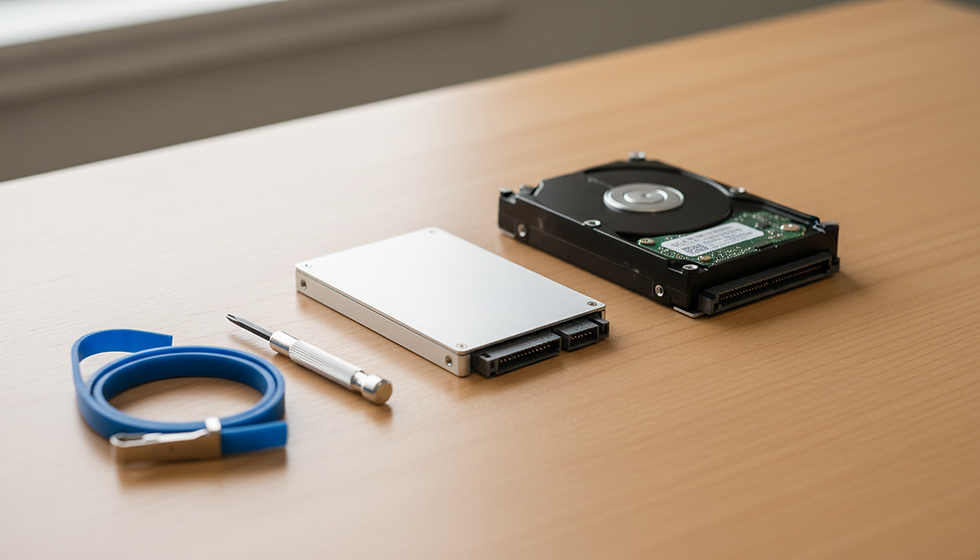
Use SSDs for your operating system and key applications. They speed up boot times and load times. Add larger HDDs for bulk storage if needed.
Power Supply and Cooling
Invest in a quality power supply to protect your components. Good cooling keeps your PC stable and extends its life.
Motherboard Compatibility
Ensure your motherboard supports your chosen CPU, RAM speed, and expansion needs.
Future Proofing
Consider leaving room for upgrades like extra RAM slots or additional storage bays.

Where to Find Reliable Custom PC Builders in the UK
Finding a trustworthy custom PC builder is crucial. In the South West, I recommend looking for local experts who understand regional needs and offer personalised service. A good builder will:
Help you select parts that fit your budget and goals.
Assemble your PC with care and test it thoroughly.
Provide ongoing support and repairs if needed.
For example, using a custom pc builder uk can simplify the process. They combine expertise with local knowledge, ensuring your PC is built to last and perform well.
Tips for Buying Components in the UK Market
The UK market has its quirks. Prices can vary, and availability changes quickly. Here are some tips to navigate it:
Shop Around: Compare prices from multiple retailers, including online and local stores.
Watch for Deals: Sales events like Black Friday or seasonal discounts can save you money.
Check Warranty and Returns: UK consumer laws protect you, but always confirm warranty terms.
Consider Import Costs: Some parts might be cheaper abroad but factor in shipping and VAT.
Stay Updated on Brexit Impacts: Customs and taxes can affect delivery times and costs.
Building Your PC or Getting It Built?
You can build your PC yourself or have a professional do it. Building yourself is rewarding and educational but requires time and care. If you prefer peace of mind, a professional builder ensures everything fits and works perfectly.
DIY Building: Use online tutorials and forums. Take your time and double-check compatibility.
Professional Assembly: Saves time and reduces risk of damage. Often includes testing and warranty.

Keeping Your Custom PC Running Smoothly
Once your PC is built, maintenance is key. Regular cleaning, software updates, and monitoring temperatures keep your system healthy. Back up your data and update security software to protect your investment.
Configuring a custom PC in the UK is a rewarding process when you know what to focus on. By understanding your needs, choosing the right parts, and working with trusted builders, you can create a machine that serves you well for years. Whether for gaming, creative projects, or business, a well-configured PC is a powerful tool that keeps you productive and entertained.


Comments